Your Speed Dial
completely reinvented
Atom Speed Dial Pro turns your Chrome new tab into an ultra-customizable productivity hub. Organize, personalize, and browse faster than ever.
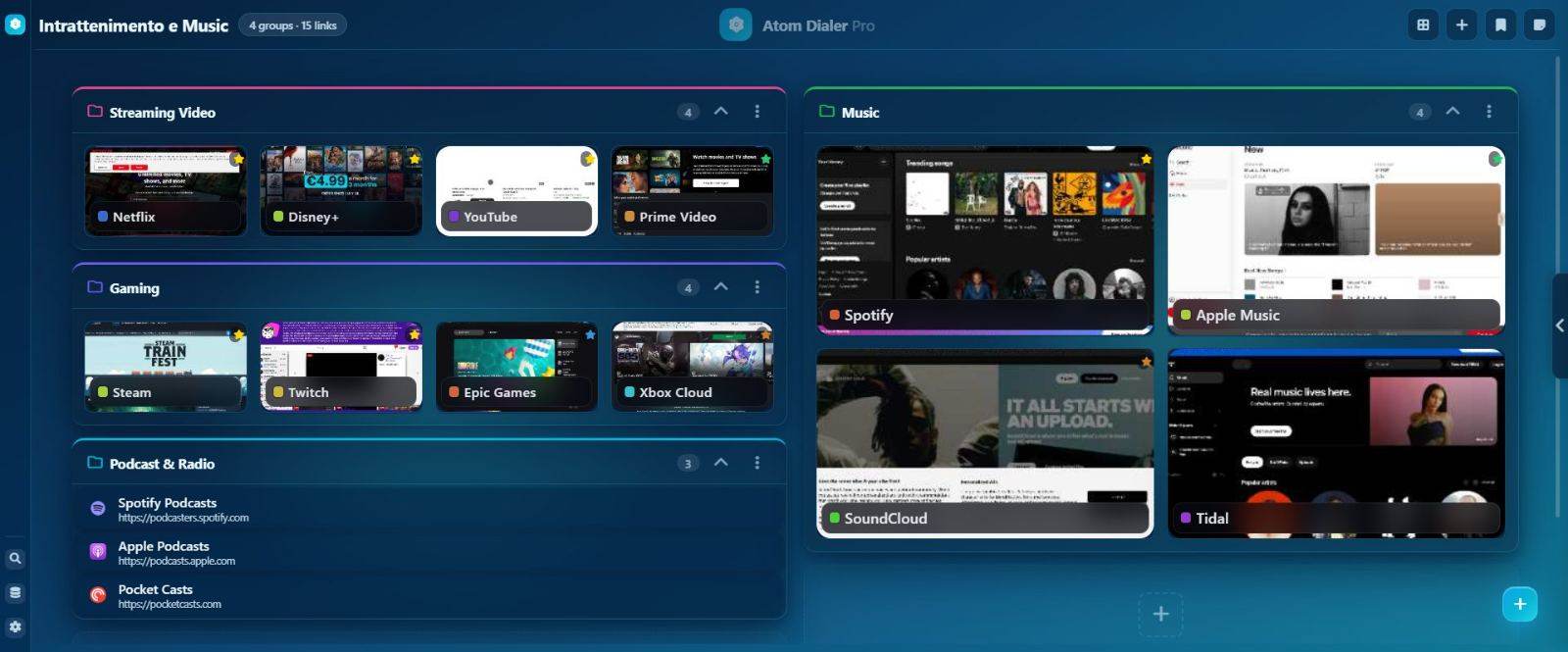
Groups
and 9 configurable themes
Organize your bookmarks into visually rich groups. Each group has independent colors, templates, and sizes.
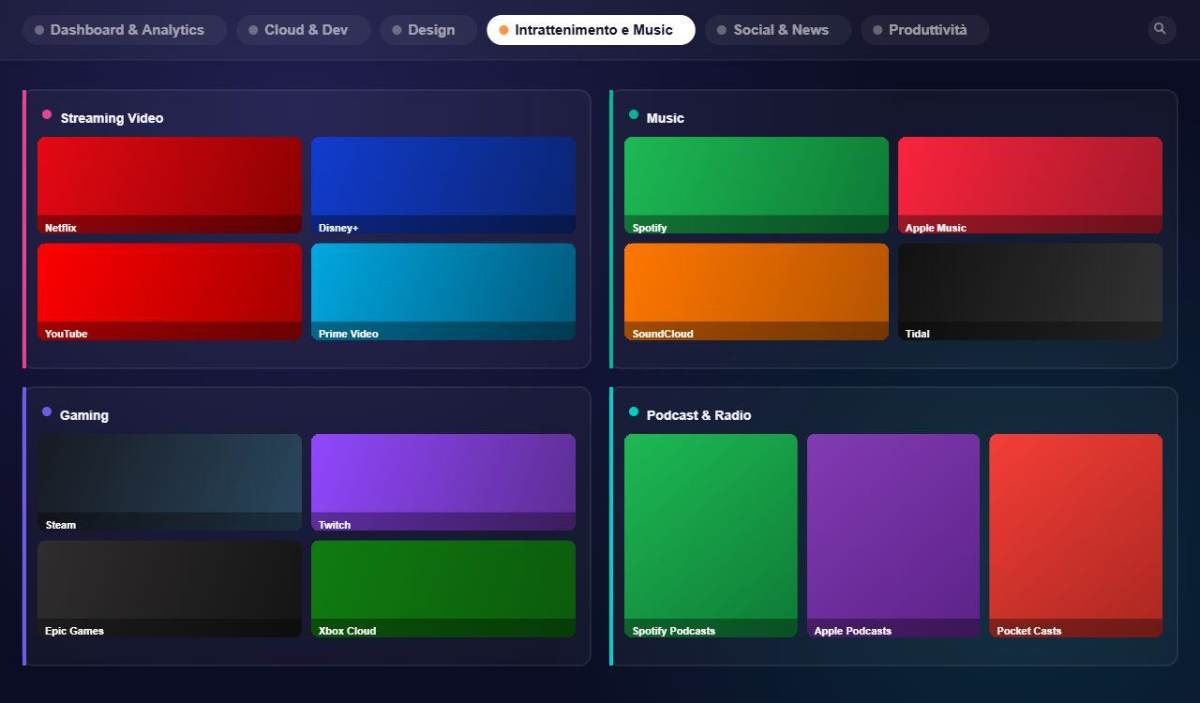 4 groups · 2×2 layout
Unlimited groups
Create as many groups as you want. Each group has a configurable name, color, template, and order.
Quick duplication
Duplicate entire groups with all bookmarks in one click. Perfect for creating reusable variants.
Custom layout
Each group can have an independent layout — from 1×1 to 3×3. Combine different layouts on the same page for personalized dashboards.
Group General Menu
Group Context Menu
Item sizes:
Small
Medium
Large
Your dynamic home
updated automatically
The Home Tab tracks the bookmarks you visit most and ranks them by frequency. Configurable with custom retention and automatic daily cleanup.
Automatic tracking
Every click on a bookmark is logged. The Home Tab ranks by frequency with zero manual configuration.
Grouped by source
Tracked bookmarks appear under their source group's name, preserving organizational context.
Automatic cleanup
Daily automatic removal of links not visited for more than N days — configurable in Settings.
Home Tab Configuration
A profile for every context
work, study, personal
Create multiple profiles, each with its own set of groups and bookmarks. Switch context in one click without ever mixing your worlds.
Isolated group sets
Each profile has its own groups and bookmarks, completely separate from the others.
Instant switching
Switch between profiles with one click, without reloading or losing context.
Custom color and initial
Each profile has a distinctive color and initial so you can recognize it at a glance.
Smart bookmarks
with automatic favicon
Add, edit, and organize bookmarks with automatic favicon, custom icons, visit tracking, and an advanced context menu.
Custom icon
Custom icon URL to override the favicon. Supports PNG, SVG, ICO.
Group assignment
Each bookmark can be assigned to a group with a customizable position.
Real-time URL validation
The URL is validated before saving, with immediate visual feedback.
Find anything
in under 300ms
A single bar unifies personal bookmarks, native Chrome bookmarks, and recent tabs. Instant results with a 300ms debounce, search-term highlighting, and up to 10 results per category.
Instant search
Starts from 2 characters, 300ms debounce. Highlights the matched term in title and URL.
3 sources, 1 search
Custom bookmarks, native Chrome bookmarks, and closed sessions — up to 10 results per category.
Fast navigation
Ctrl+K to open, Esc to close. Click a custom result: pulse animation on the bookmark.
2 visual templates
Glass and Compact
Choose the template that fits your workflow. Applies to single groups, single subgroups, or the whole interface, with priority hierarchy.
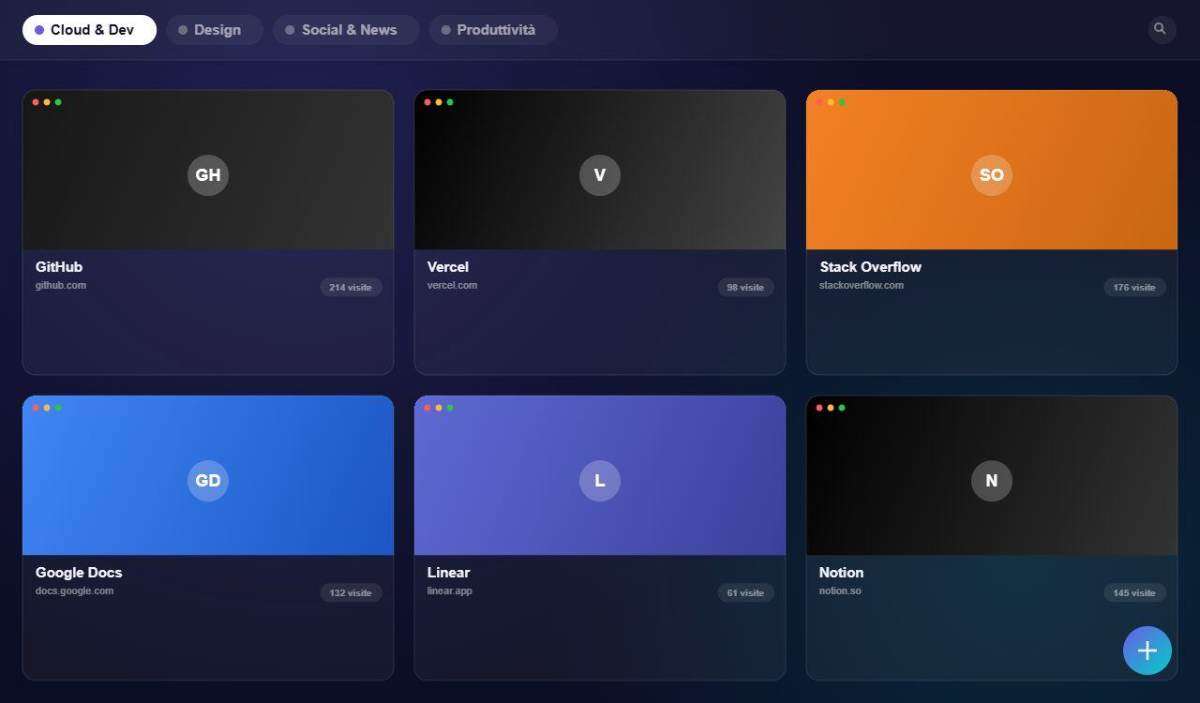 Glass
Glass
Frosted glass effect with backdrop-blur, transparency, and glowing borders. Elegant and modern.
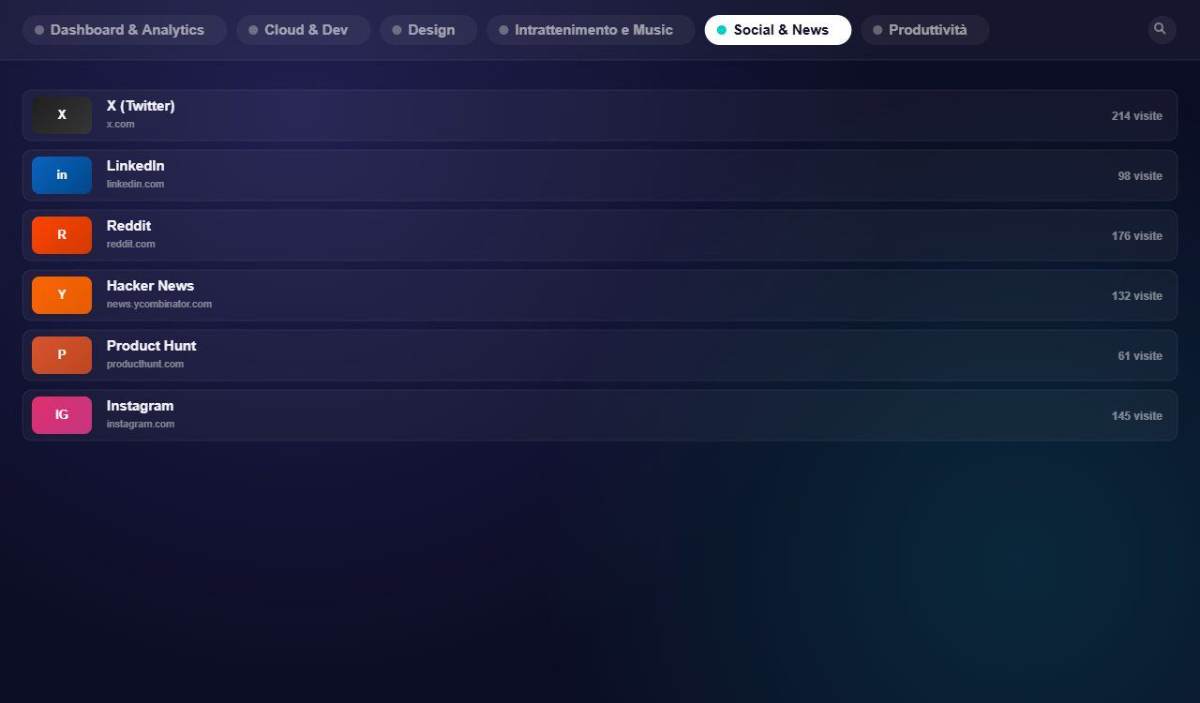 Compact
Ultra-dense horizontal list. See the maximum number of bookmarks without scrolling.
Per-group template
You're not forced to use one template for everything. Each group can have its own independent template.
A "Work" group can use Compact for maximum density, while "Hobbies" uses Glass for a premium look.
5 built-in themes
Dark, Light, Ocean, Forest, Sunset — not customizable, switch in real time from Settings.
20 preset colors
Each group has 20 preset colors assignable with one click, plus a free HEX picker.
9 layouts per group
From 1×1 to 3×3. Each group has its own independent layout for personalized dashboards.
Visual previews
automatic or manual
Capture real site screenshots as card previews. Auto-capture, auto-refresh, or manual update.
Auto-capture on add
Automatic screenshot every time a new bookmark is added.
Scheduled auto-refresh
Automatically refresh screenshots at configurable regular intervals.
Manual update
Update whenever you want: a group or the entire installation.
Icon fallback chain
Atom Speed Dial Pro uses a smart chain to always find the best available icon.
All the power
of Chrome, right there
Access recent tabs and Chrome history right from the side panel. Opened via a tab on the right edge, it closes with a delay on mouseleave.
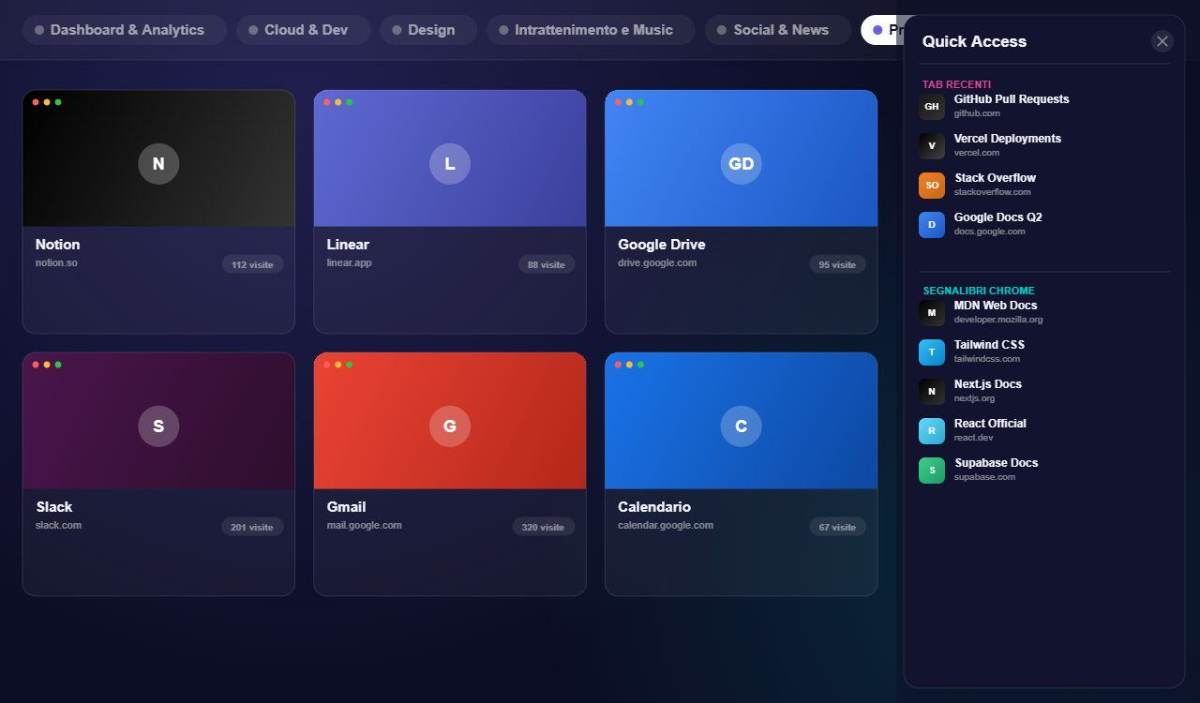 Sidebar open
Recent tabs
Last 15 closed sessions — title, URL, favicon. Restore in one click via chrome.sessions.
Chrome History
Last 3 days, up to 500 results, grouped by day with timestamps.
Slide-out sidebar
Fixed tab on the right edge. Hover or click to open, closes with a 300ms delay on mouseleave.
Configurable
Enable/disable recent tabs and history separately in Settings.
Permissions requested — total transparency
Every action
one click away
The floating button in the bottom right exposes the 7 main actions for the active group. No menu hunting.
Add Bookmark
Opens the modal to add a new bookmark to the active group
Add Group
Creates a new group
Change Subgroup Layout
Choose the subgroup grid: from 1×1 to 3×3
Change Template
Toggle Glass / Compact for the active group
Rename Tab
Renames the current group inline
Duplicate Group
Copies the group with all bookmarks
Delete Tab
Deletes the current group with confirmation
Import, Export
backup and multi-device sync
Take your data with you everywhere. Export, import, back up automatically to Google Drive, and stay synced across all your devices.
Export your data
Save all your bookmarks and groups to a JSON file. Ideal for backup or transfer.
Import from JSON file
Restore a backup or import a shared configuration.
Google Drive backup
Your bookmarks and groups are saved automatically to your Google Drive. No files to manage, no risk of losing data: backup happens in the background on every change.
Sync across all your devices
Open Atom Speed Dial Pro on desktop, laptop, or another computer: your groups and bookmarks stay identical and up to date everywhere.
Import from URL list
Paste a list of URLs (one per line) to bulk-import bookmarks with automatic title and favicon fetch.
Import Chrome bookmarks
One click to import your entire Chrome bookmark structure. The hierarchy is converted automatically:
Reorganize with
a simple drag
Bookmarks, groups, subgroups - drag and drop to build your perfect organization.
Bookmarks
Drag cards to reorder them. Works across different groups too.
Groups (tabs)
Reorder group tabs in the top bar.
Subgroups
Drag subgroup headers to reorder them within the group.